

t3 machine, which comes with the server running.
You need the T3 Code app, the
instabox CLI and jq.
1
Create a t3 machine
2
Open the pairing link
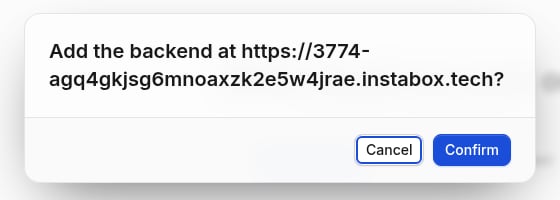
3
Confirm
Select Confirm. Settings → Environments shows the machine as Connected.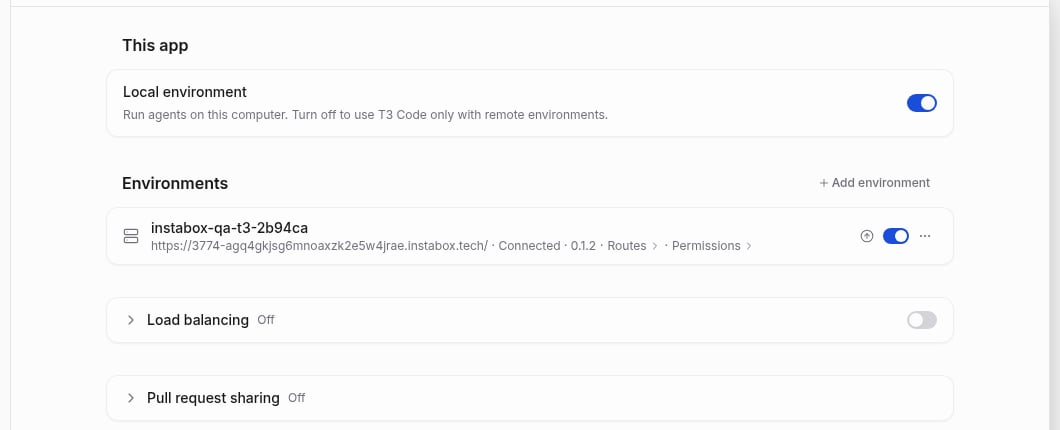
/data/workspace. To sign one in, run its login once in instabox ssh t3-dev.
The machine stays awake while T3 Code is connected, and wakes when it reconnects. See
what wakes a machine.
On Linux, T3 Code needs a system keyring (GNOME Keyring or KWallet). Without one, Confirm fails
with “Desktop secure storage is unavailable”.
Pair by hand
Pair by hand
In Settings → Environments, select Add environment and paste the pairing URL,
https://3774-….instabox.tech/pair#token=<code>, in Host.List paired clients
List paired clients
Ports
Publish, list, and unpublish ports.
Auto-pause and max-run
What counts as idle and what wakes a machine.