

1
Create a machine and start Paseo on it
cloud-dev, then Integrations, and select Paseo. Select
Create SSH token, then Set up Paseo.2
Trust the host key
Paseo does not ask about host keys, so connect once from a terminal.
3
Add the host
In Paseo, go to Settings, select Switch host, then Add host and Remote SSH. Enter
the SSH URI from the dialog, in the form 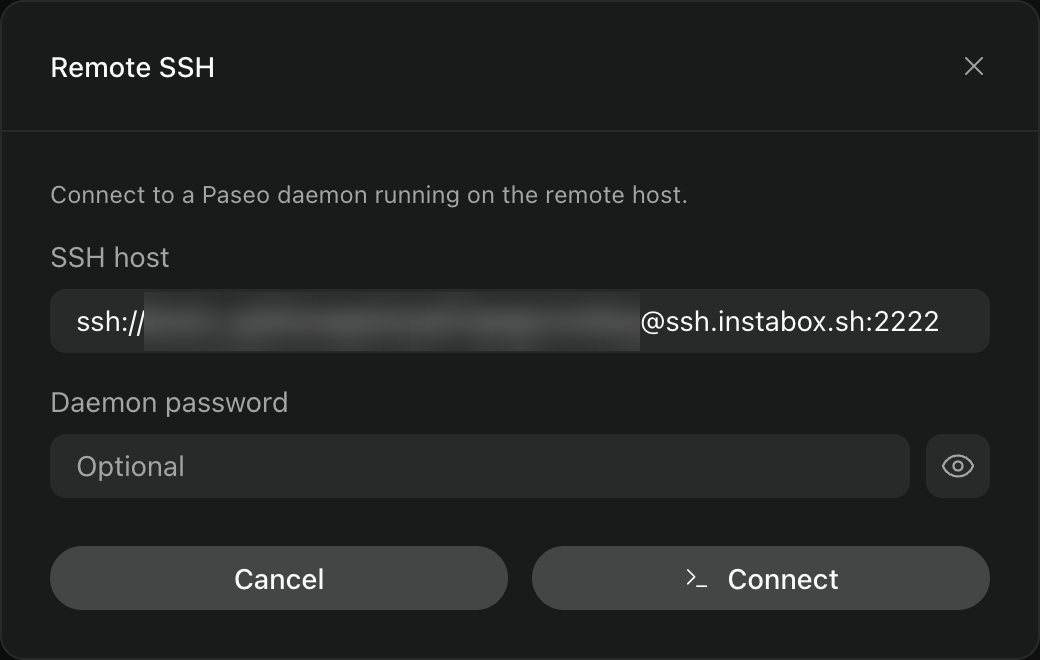
ssh://ibssh_…@ssh.instabox.sh:2222.4
Connect
Select Connect. Paseo shows the host 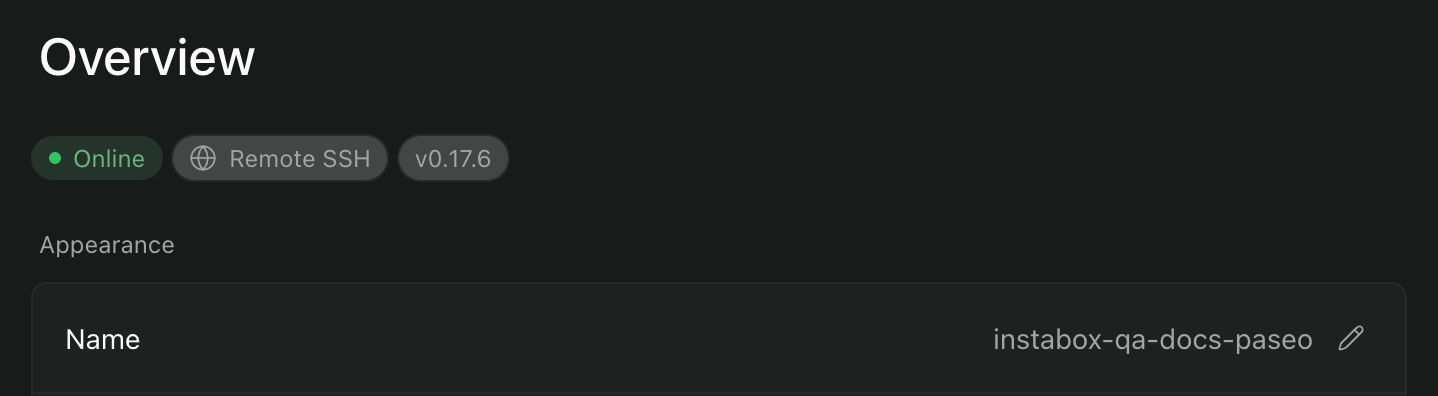
instabox-cloud-dev as Online.The dashboard makes a background SSH token for Paseo: leaving Paseo open does not keep the machine
awake, and connecting does not wake a paused machine. Resume it from the dashboard or with
instabox resume cloud-dev first. See
what wakes a machine.Check Paseo on the machine
Check Paseo on the machine
active, select Set up again in the dialog.SSH
Tokens, expiry, and revoking access.
Auto-pause and max-run
What counts as idle and what wakes a machine.